
Bathroom Remodel
Frameless Glass Shower Upgrade
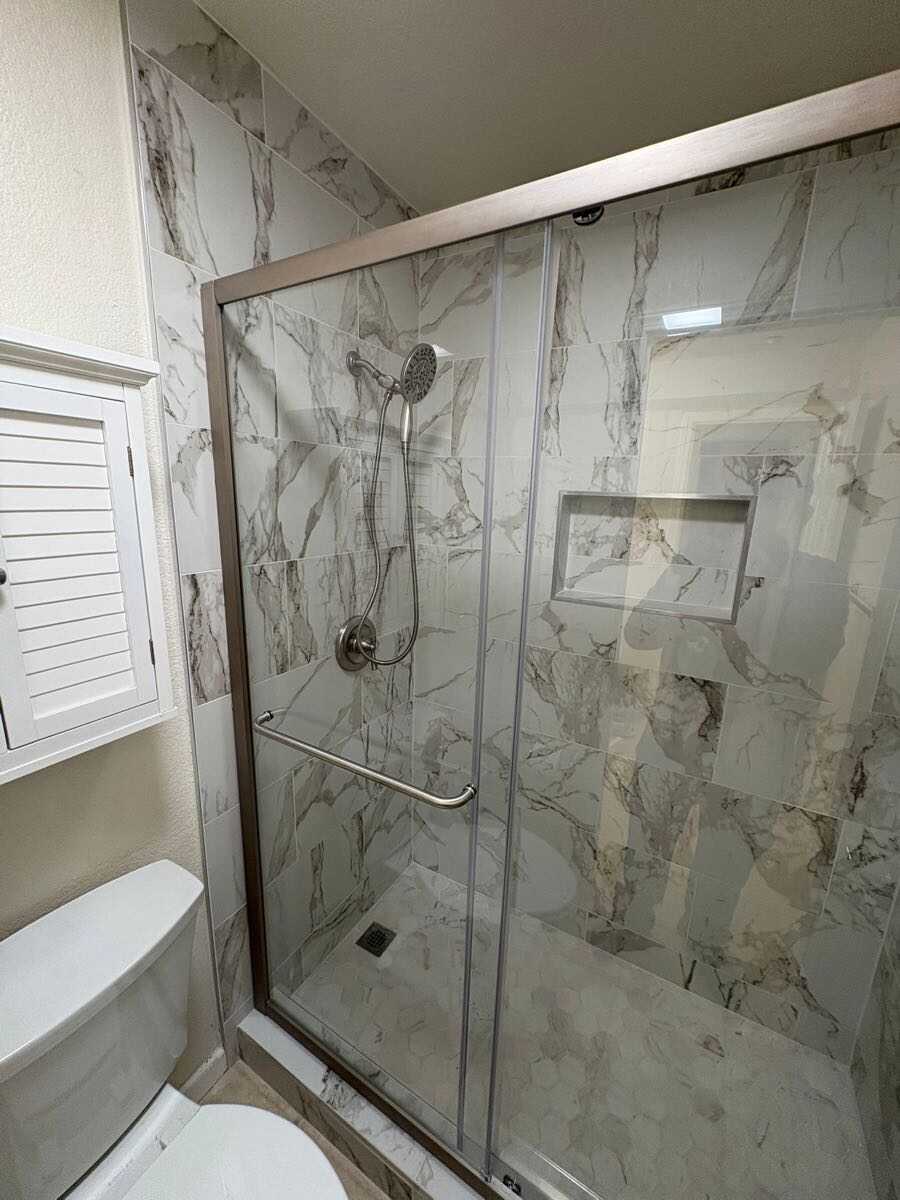
Modern bathroom work featuring marble-look wall finishes, updated shower fixtures, and a clean custom glass enclosure.
Greater Bay Area
Past Work Portfolio
Explore a curated snapshot of recent upgrades focused on bathroom remodels, interior finishes, and detailed wall and tile installations.
Modern bathroom work featuring marble-look wall finishes, updated shower fixtures, and a clean custom glass enclosure.
Greater Bay Area
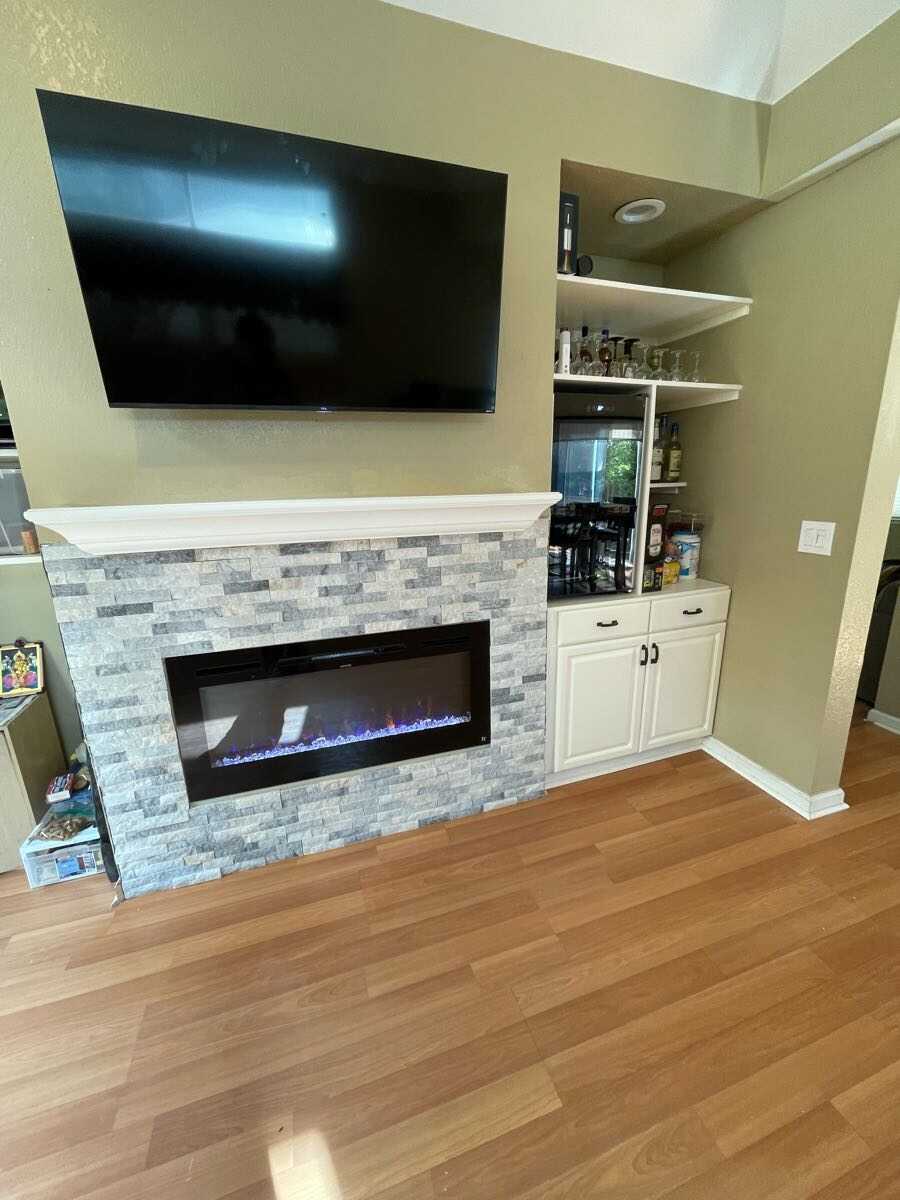
Interior finish work with a stone-style fireplace surround, mounted TV area, and built-in storage details.
Greater Bay Area
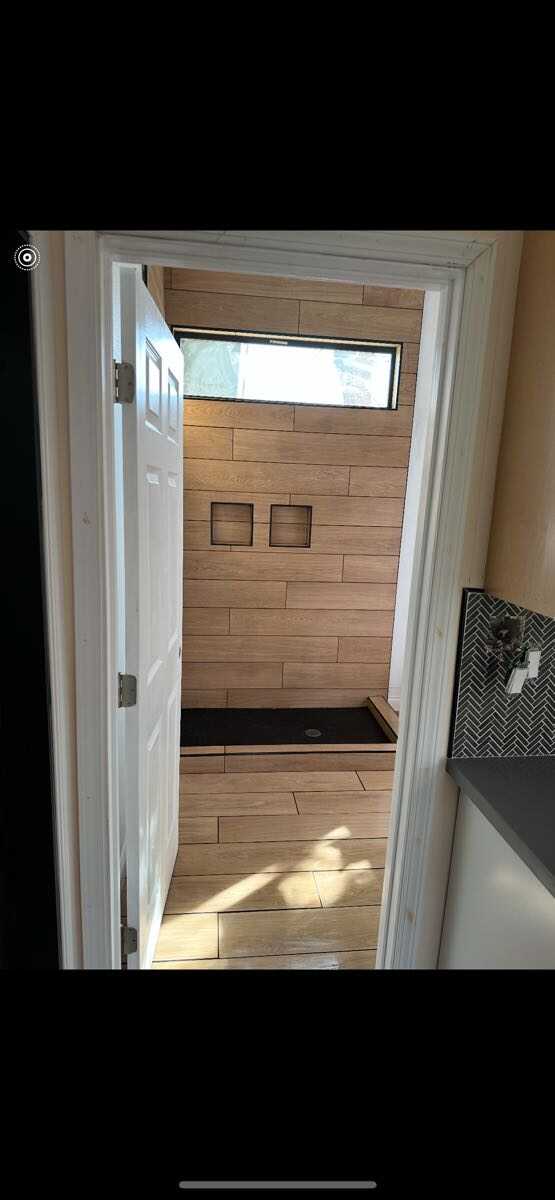
Clean hallway detailing with modern wall cladding, inset accents, and coordinated floor tile work.
Greater Bay Area
Past Work • Greater Bay Area
Explore real-world examples of the upgrades, repairs, and remodels our licensed team delivers. From panel upgrades and leak fixes to custom builds, every project reflects the quality and responsiveness homeowners trust.
Panel upgrades, lighting installs, outlet rewires, and safety inspections.
Leak repairs, fixture installs, drain cleaning, and water line replacements.
Repairs, mounting, assembly, and small upgrades done quickly and cleanly.
Remodels, builds, and multi-trade renovations with full project coordination.
Gallery image updates
Use the steps below to upload your own electrical, plumbing, handyman, and remodeling photos. It only takes a few minutes and keeps your gallery looking fresh and credible for Bay Area homeowners.
Accepted formats
PNG, JPG, JPEG, or WebP
File size limit
Up to 5 MB per image
Switch to Edit mode
Open your gallery page and enter Edit mode so images are selectable.
Click the image you want to replace
Select a placeholder photo in the gallery to open its image settings.
Use Upload and choose your file
Upload a PNG, JPG, JPEG, or WebP file (max 5 MB) and confirm.
Republish to go live
After updating all images, republish the website so changes appear online.